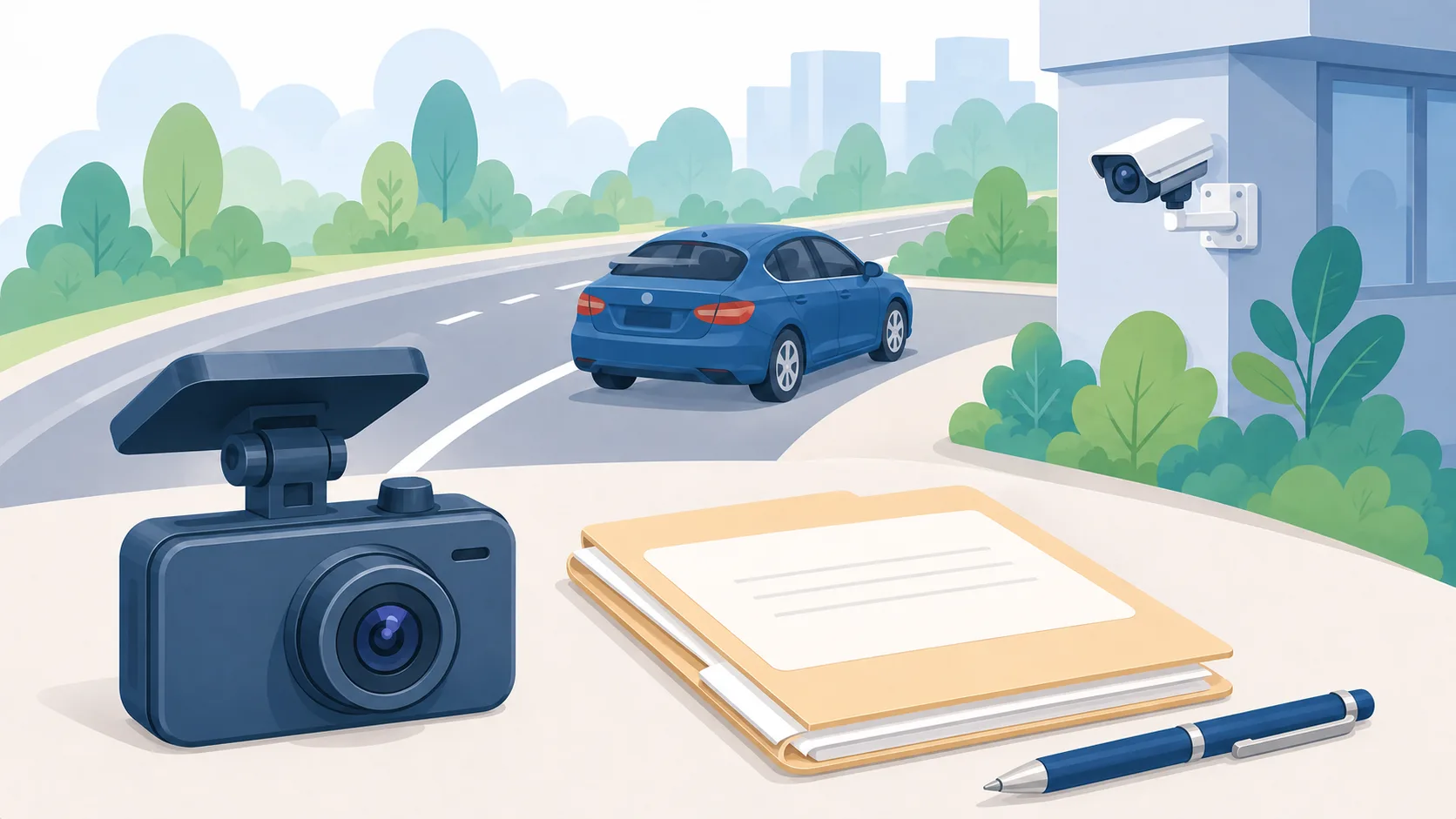
After a Mississippi crash, useful video may be on your dash camera, another driver's device, or a nearby property's camera system. Start by identifying possible sources and protecting footage you already have. You do not need to decide what the recording proves before preserving it.
Get medical help and move to safety first. Do not stand in traffic or return to a dangerous location to look for cameras. Once immediate needs are addressed, use this checklist to organize the video questions for your injury lawyer.
Identify the cameras, not just the intersection
Write down where the crash happened, the approximate time, and the direction each vehicle was traveling. Include the nearest cross street or recognizable business. An intersection name alone may leave someone searching the wrong approach or camera angle.
Make a short list of possible sources:
- Your vehicle's front, rear, or interior camera, if equipped.
- Another involved vehicle's camera.
- A nearby business, parking area, apartment property, or home.
- A witness who mentioned a recording.
For each lead, record the location, what you actually observed, and any contact information voluntarily provided. Distinguish “I saw a camera above the entrance” from “the manager said a camera faces the street.” A visible camera does not tell you whether relevant footage exists.
Do not enter private areas, touch another person's equipment, or attempt to access someone else's camera account.
Check your own device's saving process promptly
Do not assume ordinary driving footage stays available indefinitely. For example, the Garmin Dash Cam 47/57/67W manual explains that these models overwrite the oldest unsaved video when the memory card fills. Settings can also affect deletion. That is a device-specific example, not a universal retention period.
Use the instructions for your exact model to save the event and any available surrounding footage. If you are unsure how to preserve it, tell your lawyer promptly and seek qualified help. Avoid experimenting with reset, format, deletion, or repair options.
Make a note of the model, storage method, and whether you used the device after the crash. Tell the lawyer if footage appears to be missing; do not describe recovery as certain.
Keep the original footage and a handling note
Preserve the original files you can obtain, keep a backup, and record where they came from and who received copies. Use a separate working copy if you need to flag a moment for discussion. Do not replace the source file with a cropped clip, filtered image, or screen recording.
The National Institute of Standards and Technology's digital-evidence preservation guidance, section 3.2, emphasizes documenting sources and transfers and protecting file integrity. It is technical guidance for evidence handlers, not a Mississippi ruling on admissibility.
Keep a brief note with the device, filename, date obtained, and transfers. Tell the lawyer about any apparent difference between the displayed time and the time you remember.
Give third-party camera leads to your lawyer
For recordings you do not control, supply the owner or business name, location, approximate event time, and the reason the camera may be relevant. Note any response you have already received.
Ask the lawyer what preservation request or legal process fits the situation. A request to retain footage and a request to obtain a copy serve different purposes. Do not assume a business must immediately hand over its files or that a generic request guarantees the recording will be saved.
Keep copies of your communications. If someone says footage is unavailable, record exactly what they said without guessing why.
Organize questions before drawing conclusions
A short clip raises questions about what happened outside its frame. Make a list for the review: Does the recording show the approach to the intersection? Is there footage before and after the contact? Does the angle show the lane or traffic signal that matters?
Avoid adding a public caption assigning fault. Share the material through the document-delivery method your lawyer requests, and identify uncertainty openly.
Our rear-end collision guide addresses broader crash-evidence questions. This checklist focuses on locating and preserving video.
Request an injury review
Sheppard Law Firm handles Jackson and Mississippi car-accident claims. Personal injury consultations are free. Start with the injury case review form, and mention that time-sensitive camera footage may exist.
Keep the initial inquiry brief. Ask how to provide recordings; do not post private footage or sensitive personal information in a public message. A submitted inquiry does not confirm that the firm has accepted representation.